Application demonstrations
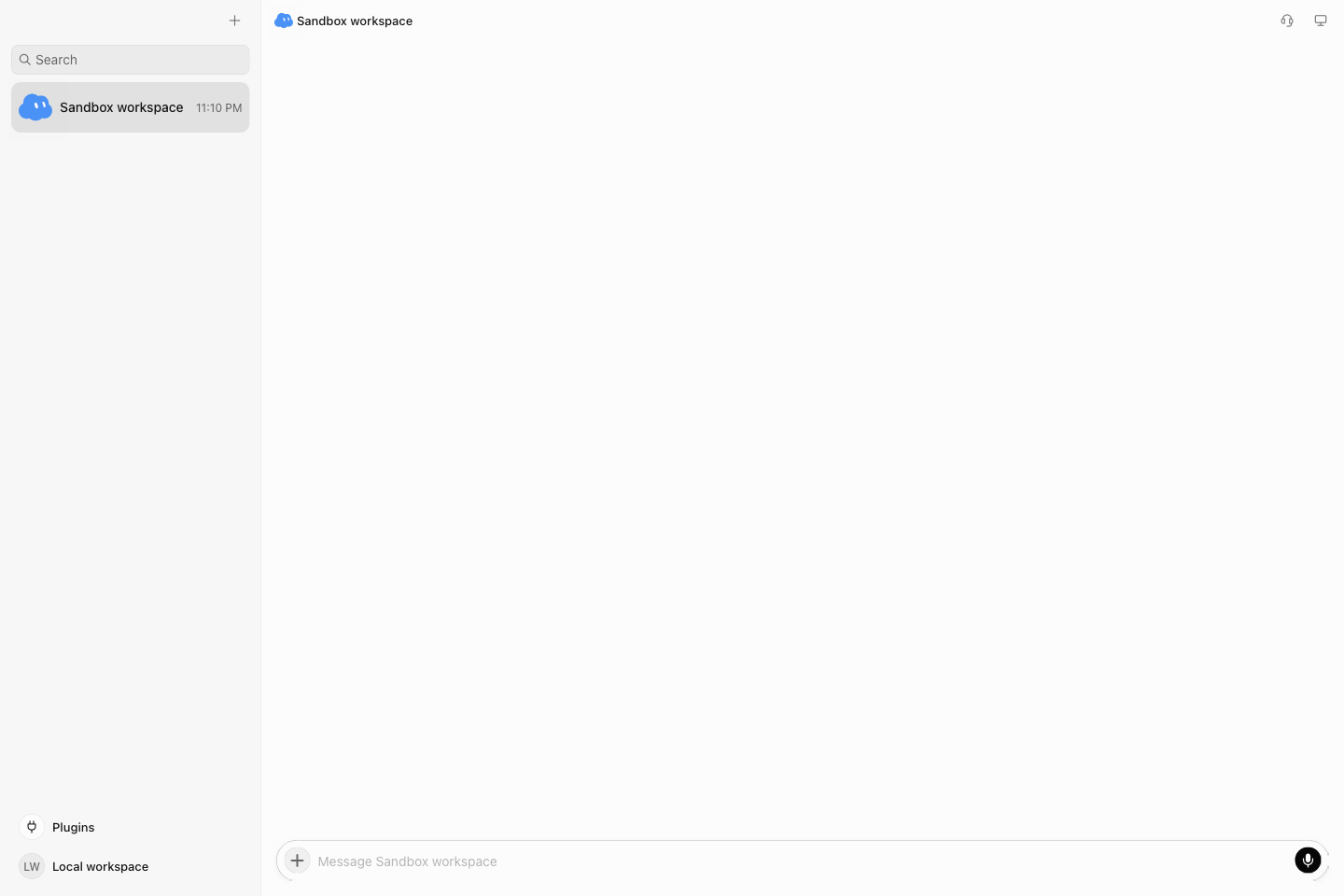
Screenshots come from the running Grokbot Harness.app, with actual Agent replies. Capture uses an isolated Docker Box, data directory, and desktop profile, without existing user conversations or credentials.
| File | Contents |
|---|---|
| workspace.png | Isolated local workspace |
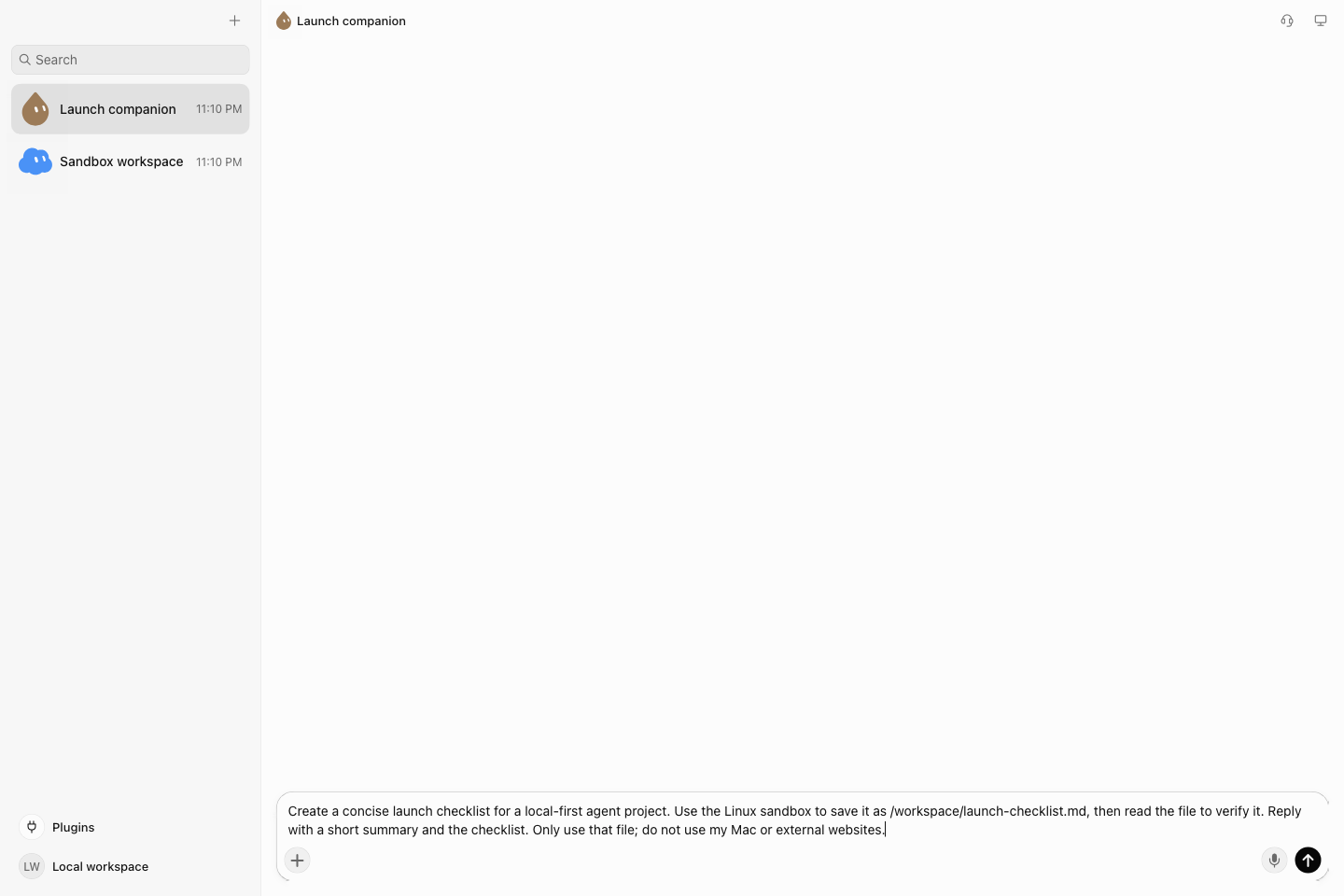
| compose.png | Task entered through the desktop |
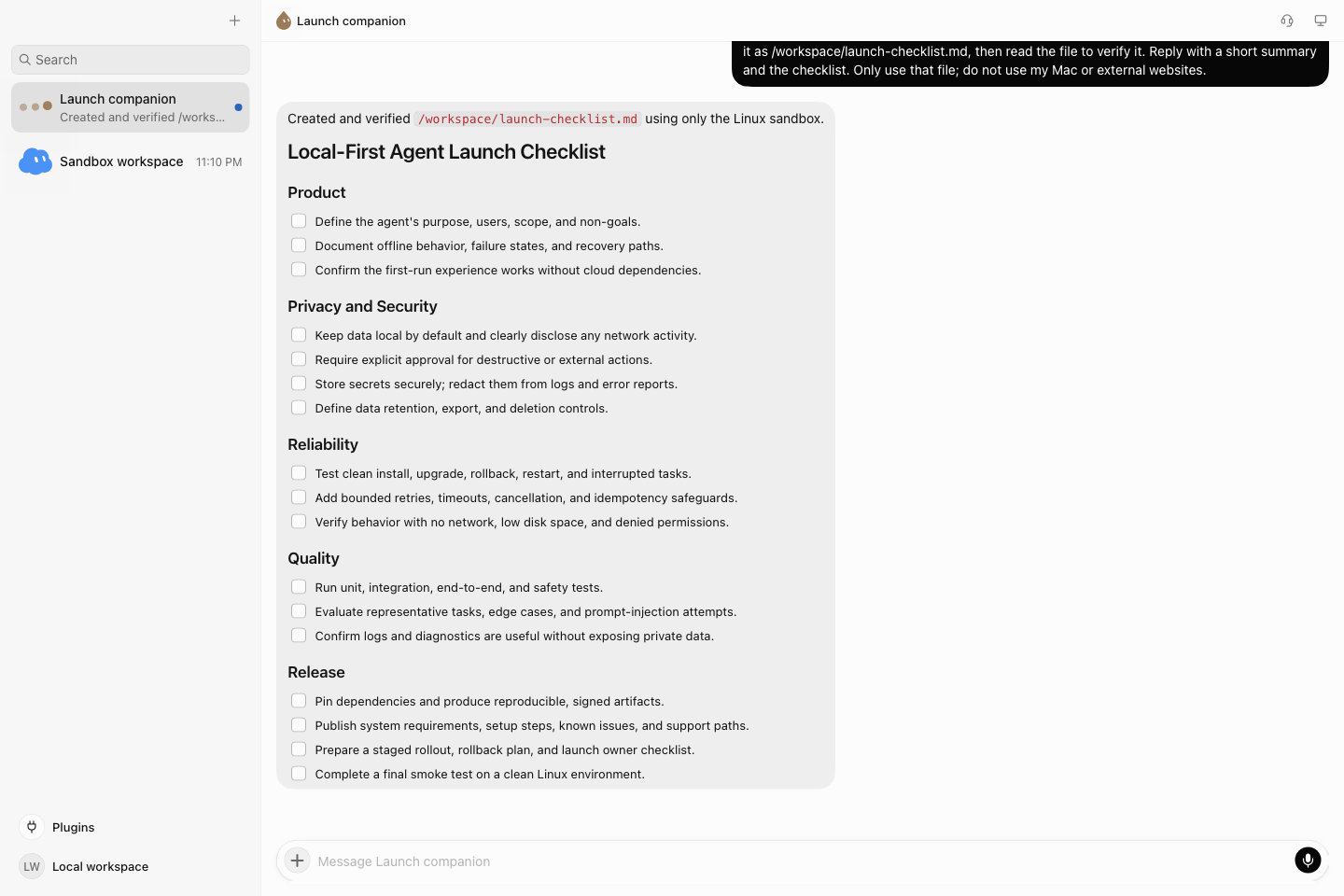
| agent-result.png | Reply after real-model execution |
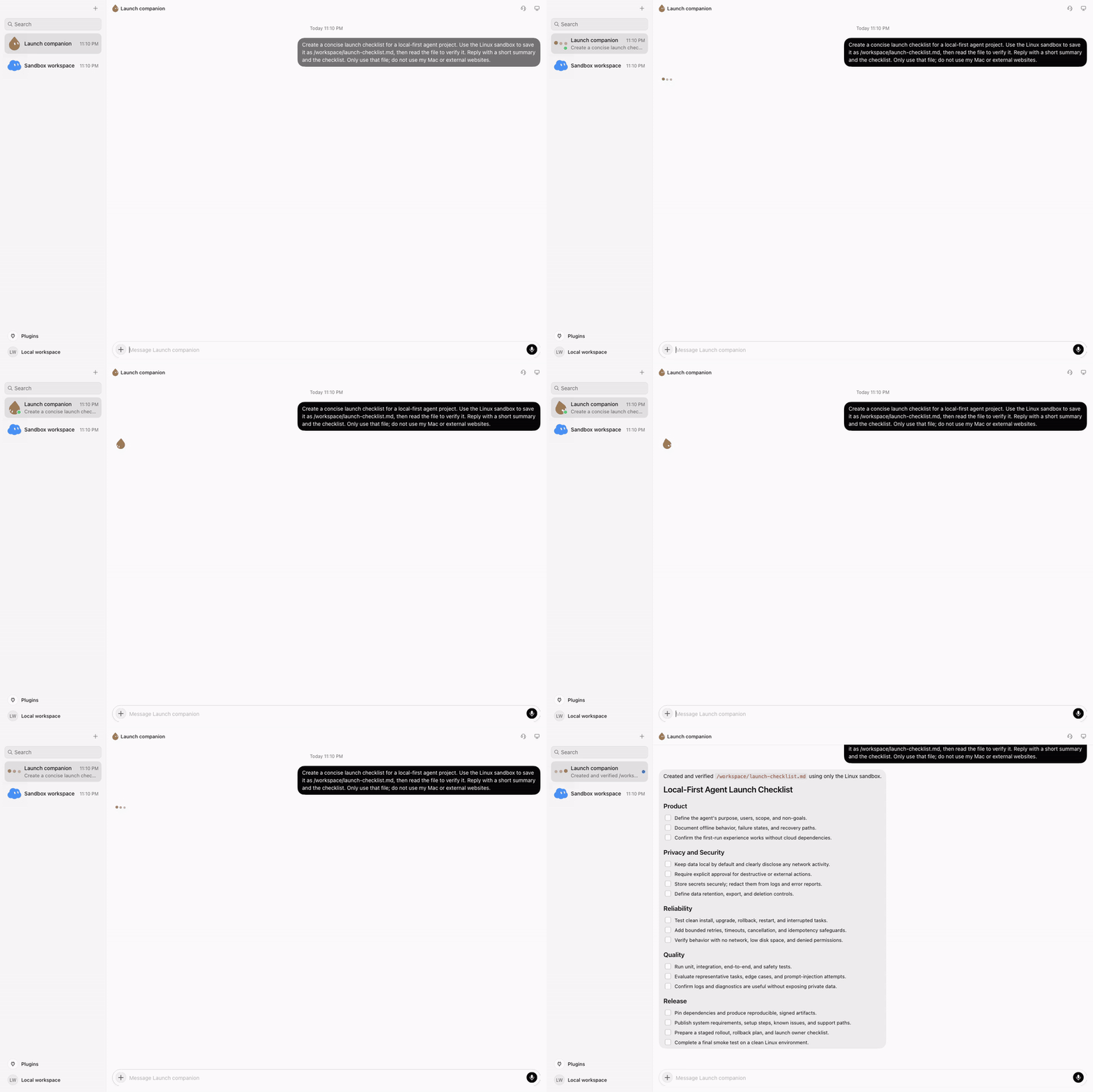
| agent-demo.gif | Time-compressed README animation |
| agent-demo.mp4 | The same sampled frames as H.264 video |
| capture.json | Versions, model, task, sampling, verified file output |
Task
Create a launch checklist for a local agent project, save it to /workspace/launch-checklist.md, read it back,
and return a summary. The configured Responses API supplies inference; shell commands run in the Linux Box.
The capture script requires both a real output file and an Agent reply before producing successful demonstration media.
Timing
Capture samples about one frame per second, adds a final hold, then encodes four source frames per second. Waiting time is compressed; GIF/MP4 duration is not a performance benchmark. No UI content is generated or replaced to simulate functionality.
Record again
Build Host and the .app, start the default local stack, and run from a terminal with a configured model key:
node runtime/tools/capture-showcase.cjs
Requires macOS, Docker, ffmpeg, a working model API, and a free local CDP port 19224.
The script replaces demonstration media here; raw frames and logs stay under ignored .runtime/showcase.
It cleans up only its temporary container and app process. Inspect images, video, and capture.json together before publishing.